

Why videos eat your iPhone
A minute of 4K at 60 fps from an iPhone camera is roughly 400 MB. Ten clips from one trip can be 5 GB. The camera encodes fast, not small, because it has to keep up with the sensor. Once the clip is sitting still, a slower, smarter encode can reach the same visual quality in a fraction of the bytes.
What Hushfold actually does
- Probe. Reads the bitrate, resolution, frame rate and whether the clip is HDR.
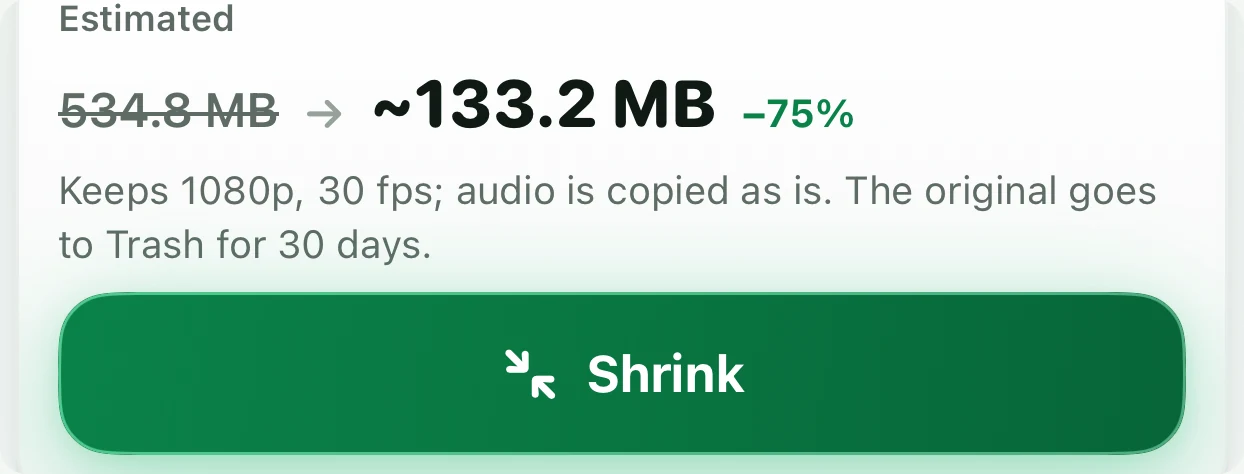
- Plan. Picks a target bitrate from a quality ladder (Highest → Acceptable) or a target size you set.
- Encode. Hardware HEVC on the device (Main10 for HDR), audio passed through untouched. Nothing leaves the phone.
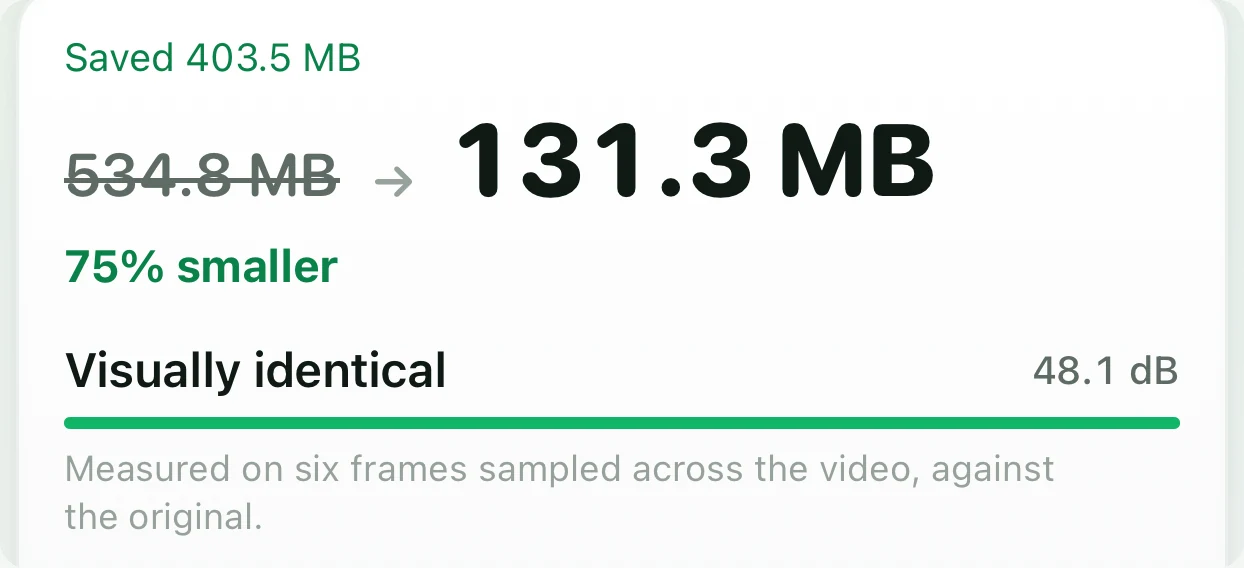
- Measure. Compares sampled frames against the original and computes PSNR.
- Gate. The result is kept only if it is ≥ 15% smaller and PSNR ≥ 34 dB. Otherwise the app tells you why it said no — “already compact” or “quality would drop below our bar”.
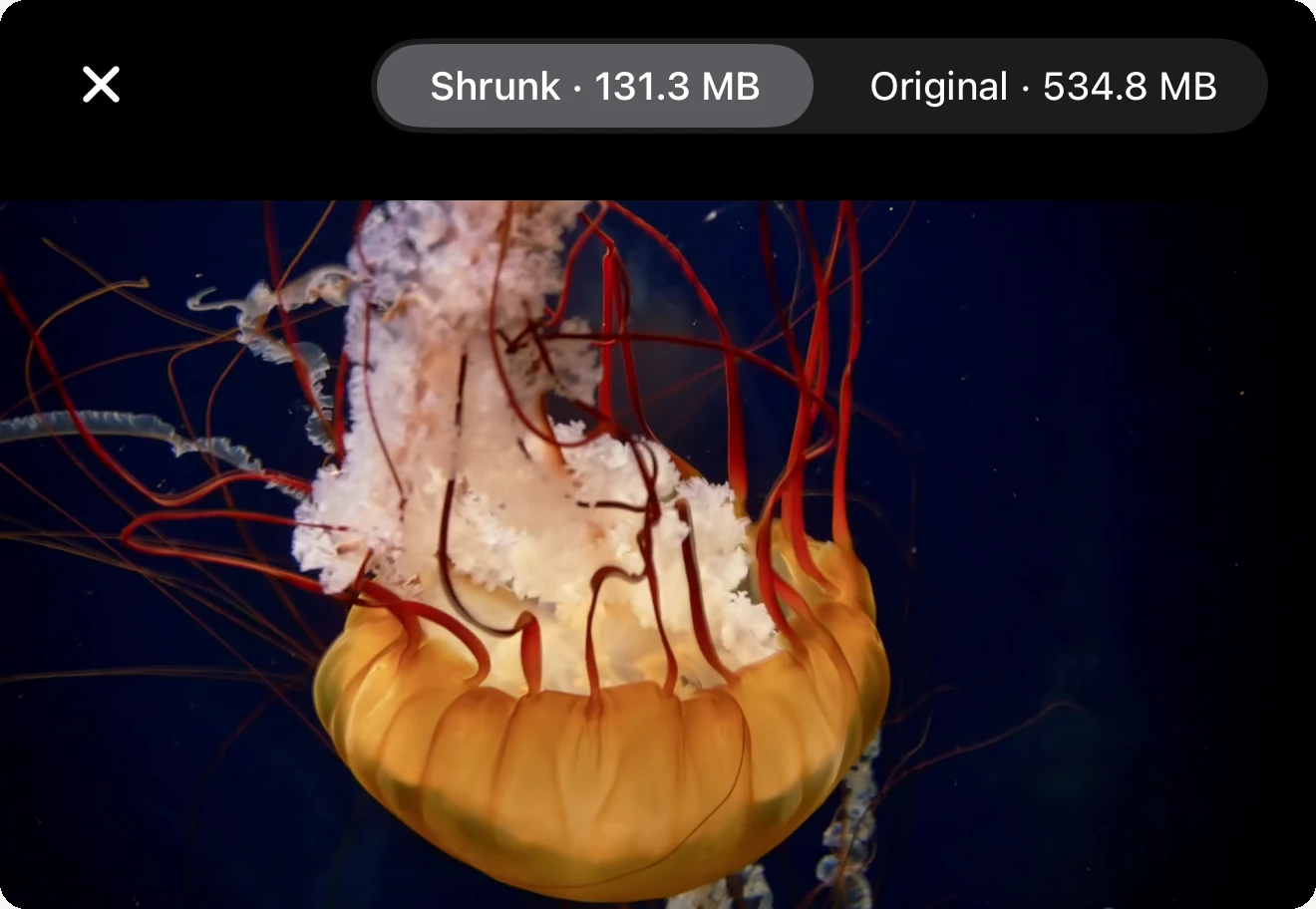
- Compare. Original and shrunk in one player, same moment, same scrub bar.
- Undo. The original waits in Trash for 30 days.
Before
After
What the numbers mean
| PSNR | Label in the app | What you will see |
|---|---|---|
| ≥ 40 dB | Visually identical | Nothing, even zoomed in |
| 34–40 dB | Very good | Nothing at normal viewing; faint softening in flat gradients if you hunt for it |
| < 34 dB | Refused | Hushfold will not keep it |
Shrinking one video is free, forever.
Open any video, shrink it, keep or discard the result — that costs nothing and has no limit, on the free tier, for as many videos as you like one at a time. Selecting several in the Library and shrinking them in one run is part of the paid tier, along with the decoy vault and the intruder camera; so is lifting the 150-photo / 15-video cap on adding new items. Viewing, exporting and deleting are never gated, whichever tier you are on.
Honest limits
- Clips that are already efficiently encoded (screen recordings, already-compressed downloads) often come back as “already compact”. That is the gate working.
- Encoding is real work: expect about 1.5× realtime on an A17 or newer, slower on older phones. The app pauses if the phone gets hot and resumes when it cools.
- Audio is never re-encoded, so the smallest possible file still contains the original audio track.