Guides
iPhone privacy and storage guides
Apple’s own methods explained properly first, then an honest account of where each one stops. Every page says what our app cannot do as well as what it can.
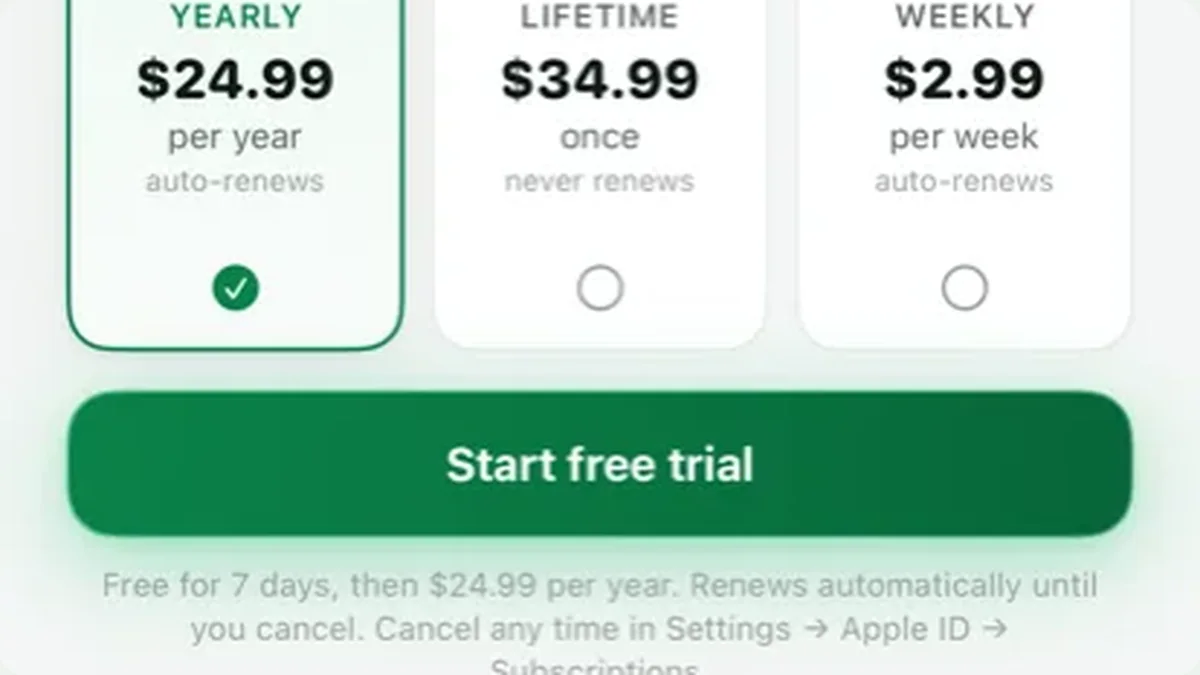 ComparedThe best photo vault apps for iPhone, comparedFour apps on what they actually protect against, what their own privacy labels declare, and how to check every claim in five minutes.Read the guide →
 PhotosHow to hide photos on iPhoneApple’s Hidden album, a locked Note, or an encrypted vault — what each one protects against, and the person each one fails against.Read the guide →
 PhotosThe Hidden album, and how hidden it really isWhere iOS 18 moved it, how to hide the album itself, and the four places a hidden photo still shows up.Read the guide →
 PhotosHow to lock photos on iPhoneFace ID on the Photos app, the Hidden album, a locked Note, or a separate vault — ranked by who each one stops.Read the guide →
 AppsHow to hide apps on iPhoneSeven methods including Face ID app locking, Screen Time and Focus — plus the four places a hidden app still appears.Read the guide →
 AppsCalculator vault apps, and which part is theatreWhat a disguise screen really does, the ceiling iOS puts on it, and five checks before you trust one with anything.Read the guide →
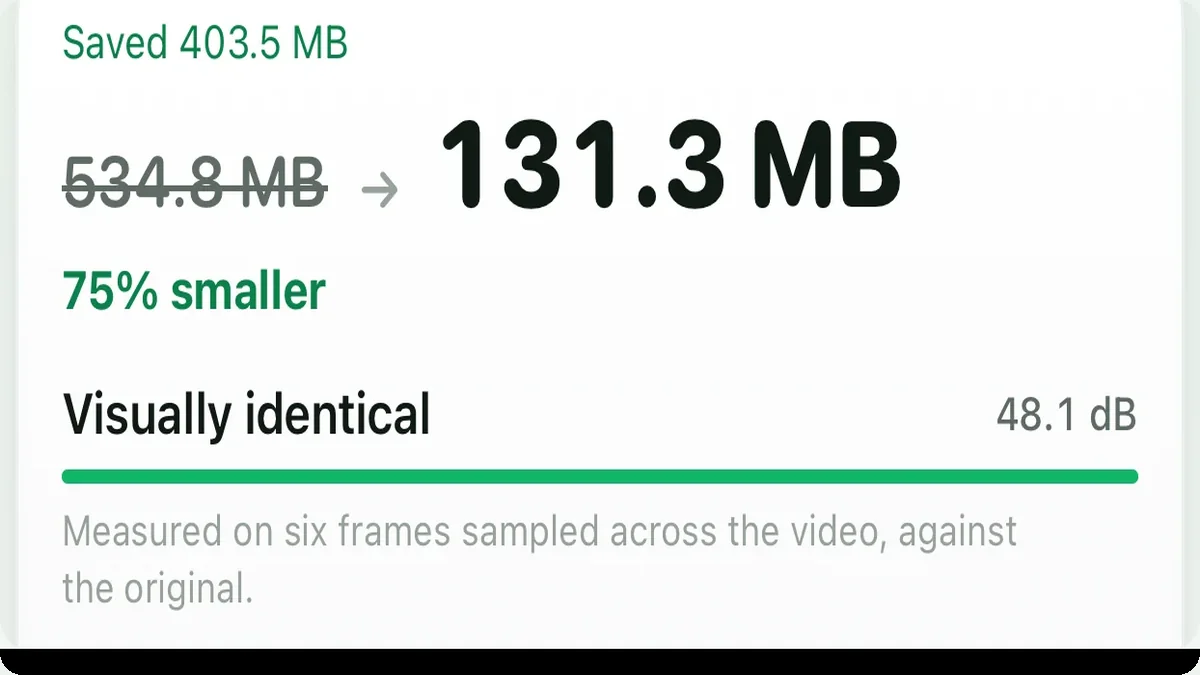
 StorageHow to compress a video on iPhoneFour ways, what each costs in quality, and how to measure the loss instead of guessing it.Read the guide →
 StorageiPhone storage full? The fix that is not “delete things”Why storage refills after you delete, what System Data actually is, and how to get gigabytes back without losing a photo.Read the guide →
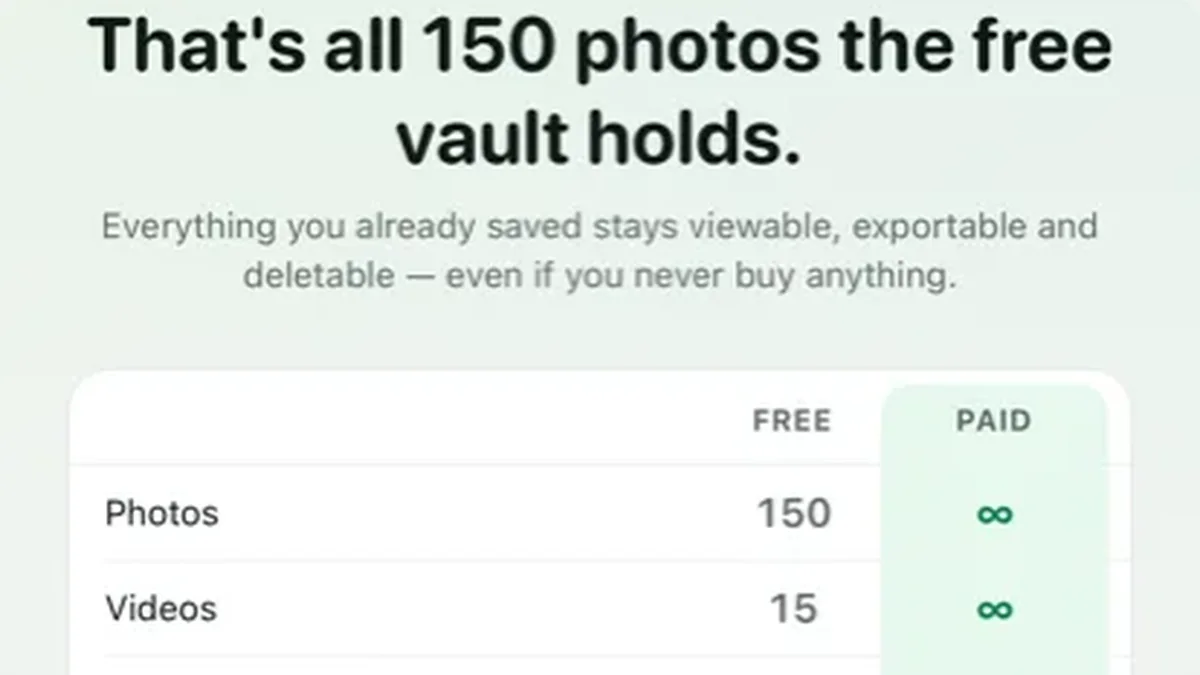 ComparedHushfold vs KeepsafeWhat Keepsafe does better, what its reviews actually complain about, and how to export safely if you switch.Read the guide →
 ComparedHushfold vs Private Photo VaultWhere they are genuinely ahead, and the three things these two apps disagree about.Read the guide →
Hide photos. Shrink videos.
Free for your first 150 photos and 15 videos · No account · Apple privacy label: Data Not Collected
Get early access